Add one or more MS data files
Add plate and set up an analysis.
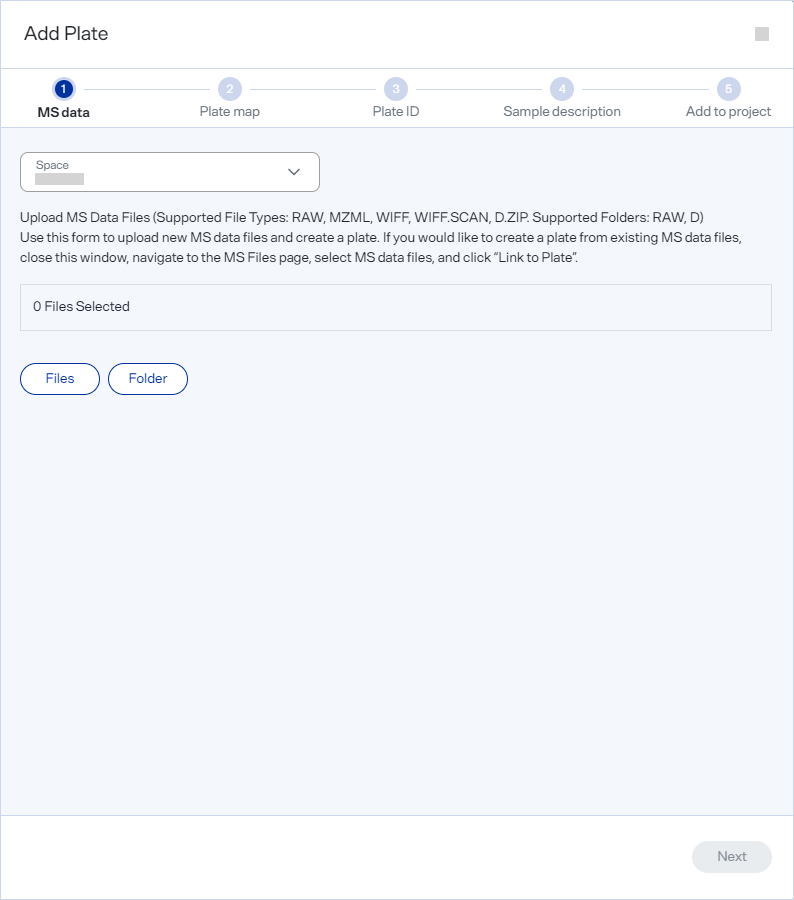
In the MS data section of the Add Plate dialog, add one or more MS data files.
-
From the Space list, select the Space you want to work with.
-
Select one or more MS data files.
-
To add a single file, select Files to open the Add Files dialog.
-
To add multiple files, select Folder to open the Add Folder dialog.
Supported file formats are .mzml, .raw, wiff, or .wiff.scan. Supported folders are RAW and D.
-
-
Drag the file or folder into the drag-and-drop area or use Browse to navigate to and select it.
-
Select Add.
-
Review the list of selected files.
-
Select Next to advance.
