Add plate and set up an analysis
When you set up analysis by adding a plate, PAS guides you through the workflow with the Add Plate dialog. In this workflow, you add a new plate to PAS and then add samples to a new or existing project. Depending on your choices during the workflow, the analysis will start immediately or will be deferred for later.

To begin this workflow:
-
On the sidebar menu, select
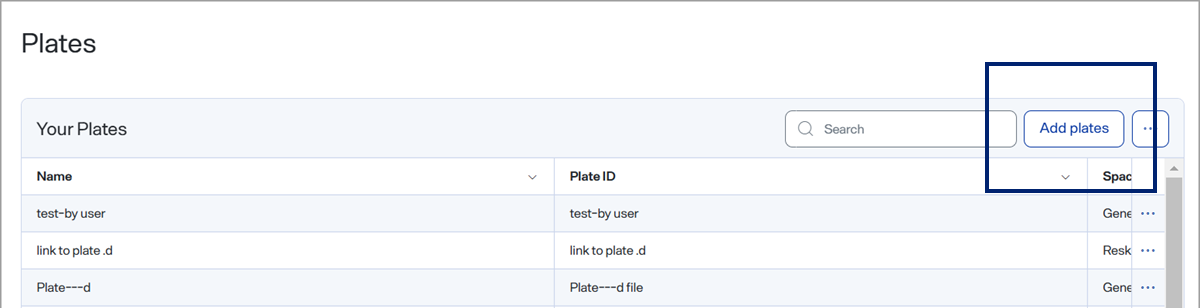
 Plates to open the Plates page.
 -
Select Add plates to open the Add Plate dialog.